Host a better live AMA.
Practical guides to running an Ask Me Anything (AMA) on your own stream: how to run a good one on YouTube or Twitch, how to use video questions and callers, and why a regular show can help you grow.


How to deal with trolls on a live stream
Screen the question queue, use YouTube and Twitch chat tools, and take a guest off air quickly if a live AMA goes wrong.

Live stream Q&A with audience upvotes
Let viewers vote on the questions they want answered, take the top ones first, and keep good questions from scrolling away in chat.
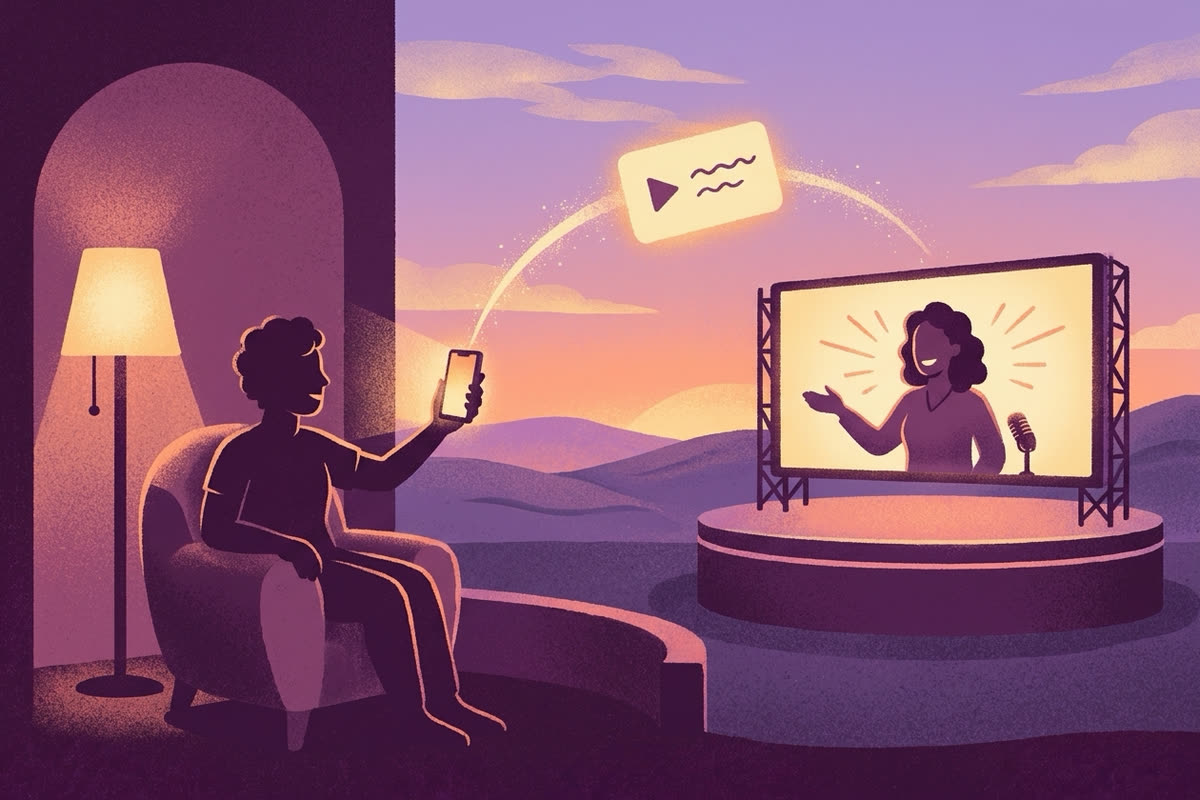
How to use video questions in a live AMA
Ask viewers for short recorded questions, review every clip before anyone sees it and play the best ones on stream.
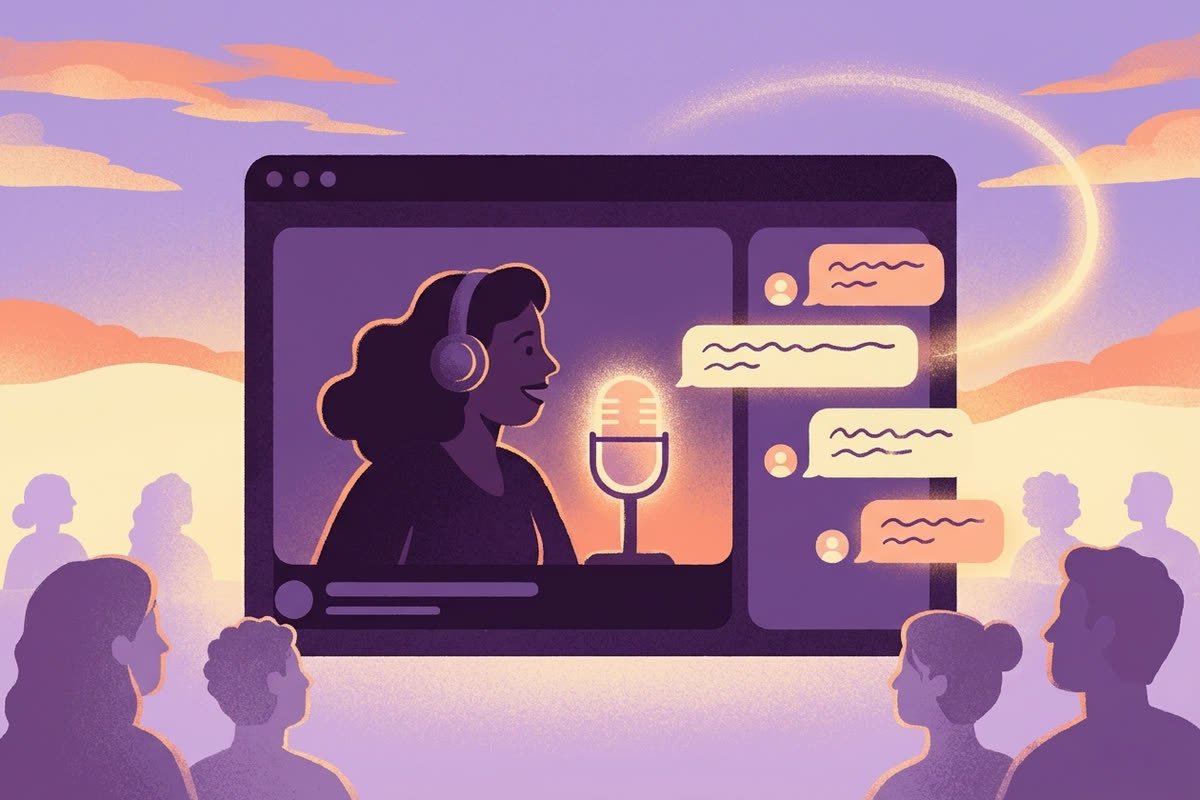
How to host an AMA on Twitch
A step-by-step plan for a Twitch AMA: schedule, chat moderation, keeping questions out of the scroll and saving the stream.

Paid AMA questions: Super Chat, Bits, boosts or tickets
What viewers actually buy with each paid format, whether it gets their question answered, and how to use them fairly.

How to grow your channel as a guest on other AMAs
Pick the right shows, pitch a topic, prepare, and turn one appearance into new regular viewers.

Running an AMA for a large audience
What an AMA gives a big channel, from audience research to a human face for the brand, and how to handle the volume.

How to earn from a small live audience
What YouTube and Twitch require before you can earn, what to try before you qualify, and how to test it.

How to set a measurable goal for your next four AMAs
Pick one audience metric, record your starting point, and review what works after every live AMA.

Why a regular AMA can help your channel grow
How a recurring AMA builds momentum: a fixed slot, a reason to return, content ideas, community and clips.

7 tips for a successful live AMA video session
Seven practical tips for before, during and after a live AMA video session.

How to bring viewers on air in a live AMA
How to take live callers in an AMA: screening, a queue, one caller at a time, a time limit, a backstage wait and consent.
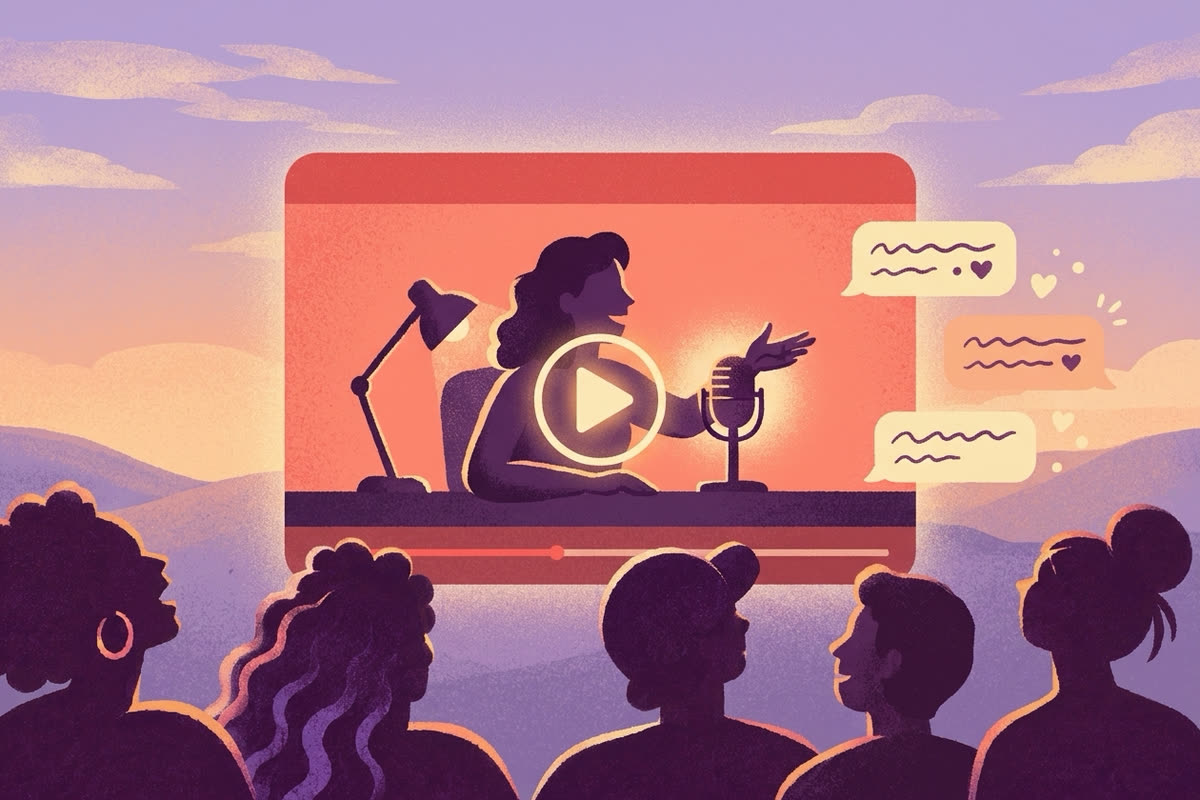
How to host an AMA on YouTube Live
A step-by-step plan for a YouTube Live AMA: channel setup, scheduling, chat moderation, Live Q&A and what to do after the stream.


